To explain something
Dev Foundations
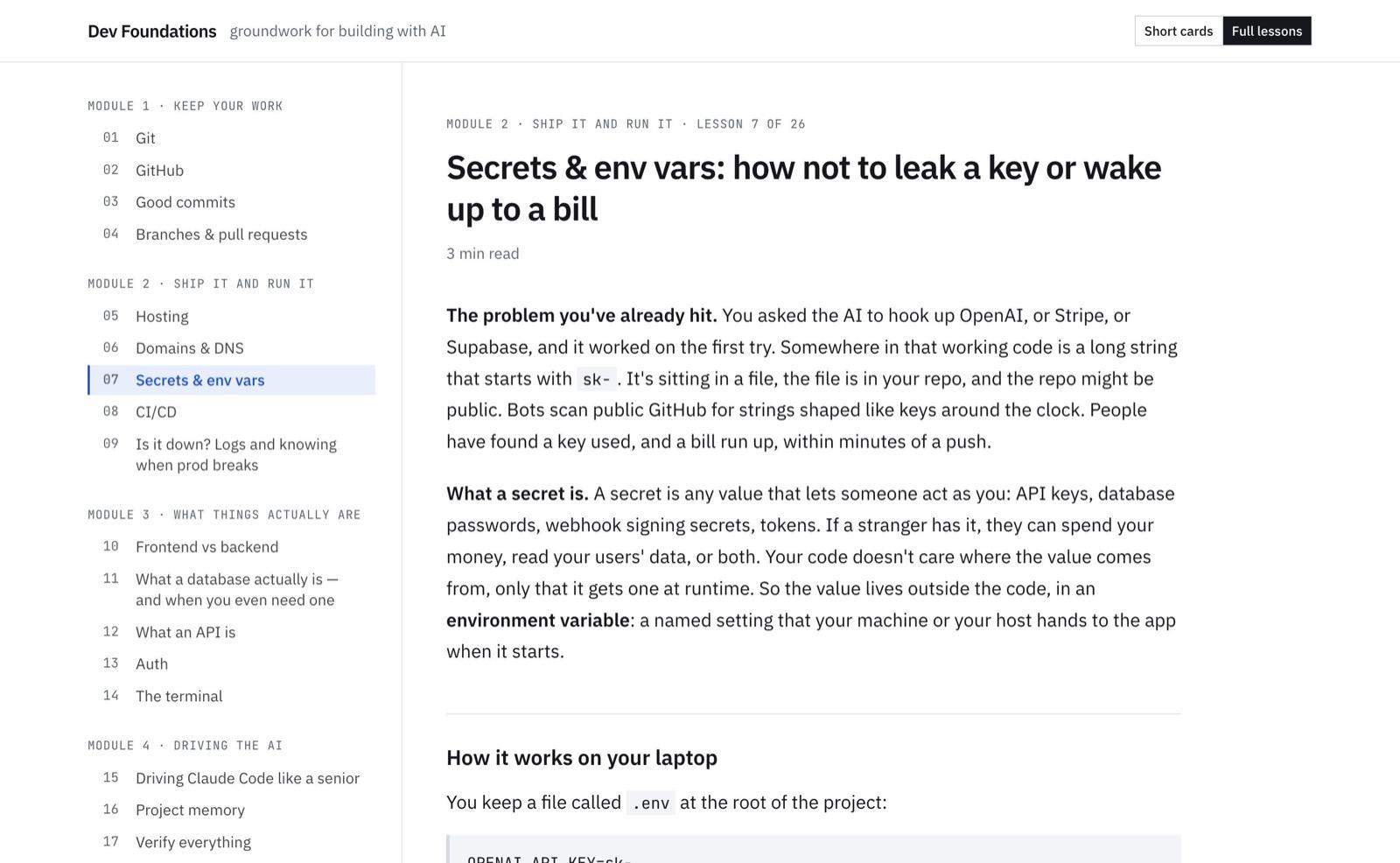
26 short lessons on the groundwork AI tools skip: git, hosting, secrets, databases, auth, reading errors, and knowing when to stop. Each comes as a one-minute card or a full lesson with a prompt to paste into your AI.
Open Dev Foundations ↗bgrrtt-dev-foundations.vercel.app
What I learned
- The short version was too short. The first pass was one-minute cards. Reading them back, they gave the habit but not enough to act on, so every lesson got a full version with the mechanics, the traps and a prompt to paste into your AI. Both stay, and you switch at the top of any page.
- The tools move faster than the basics. A fact-check after the lessons were written changed 24 lines across 13 of them, and almost none of it was about git or DNS. It was product details: Lovable renamed its Knowledge setting, Better Auth now maintains Auth.js, GitHub Actions moved to new major versions, and Vercel's free plan only rolls back one deploy. The fundamentals held; the directions for where to click didn't.
- Most "my app broke" problems are a handful of things. Leaked keys, a database with no row-level security, no way to undo, and an error nobody read. The 26 lessons ended up mapping onto a short list of ways AI-built apps actually fail.
How to help
- If you build with Lovable, Bolt, v0 or Cursor, tell me which lesson you needed and wasn't there, or where a step no longer matches what you see on screen.
- If you're a developer, tell me where a simplification became wrong. These are written for people who have never opened a terminal, on purpose.
- If you teach this to someone, send me the analogy that finally landed.
Keep in touch
Questions, ideas, or something broke? Email me. For updates on this and whatever I build next, get the newsletter.